 Subtronics LLC
DIY Guides and Troubleshooting Help
The deeper SEO pages are still here, but this hub is now a simpler launch point for real people. Start with the guide that matches your problem, try the easy fixes first, and call Subtronics if you would rather hand it off.
Need a hands-on fix instead?
Use the repair page for service help or the gaming PC pricing page if you are shopping for a replacement.
Use the repair page for service help or the gaming PC pricing page if you are shopping for a replacement.
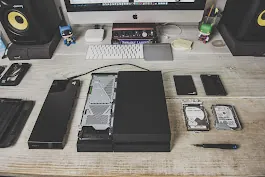
Most useful starting points
Slow computer
Start here if your PC feels old, bogged down, or takes forever to open programs.
Won't turn on
Basic checks before assuming the motherboard or power supply is dead.
Blue screen help
Simple first steps before the problem gets worse.
Laptop running hot
Dust, fans, thermal limits, and what you can safely check yourself.
Gaming lag & stutter
Good for players trying to decide between tweaking, upgrading, or replacing.
Windows won't boot
Boot loops, recovery options, and when to stop before data loss gets worse.
DIY upgrade tutorials
When DIY should turn into a service call
- You smell burning, see liquid damage, or hear clicking drives
- You are worried about losing important files
- The fix involves disassembly you are not comfortable with
- You are stuck deciding between repair, upgrade, or replacement
If that sounds like too much hassle, contact Subtronics and we will take it from there.