 Subtronics LLC
Computer Repair & Upgrade Services
Slow computer? Laptop won’t turn on? Need more storage, a faster PC, or a new computer altogether? Start with the option below and we’ll help you choose the right next step.
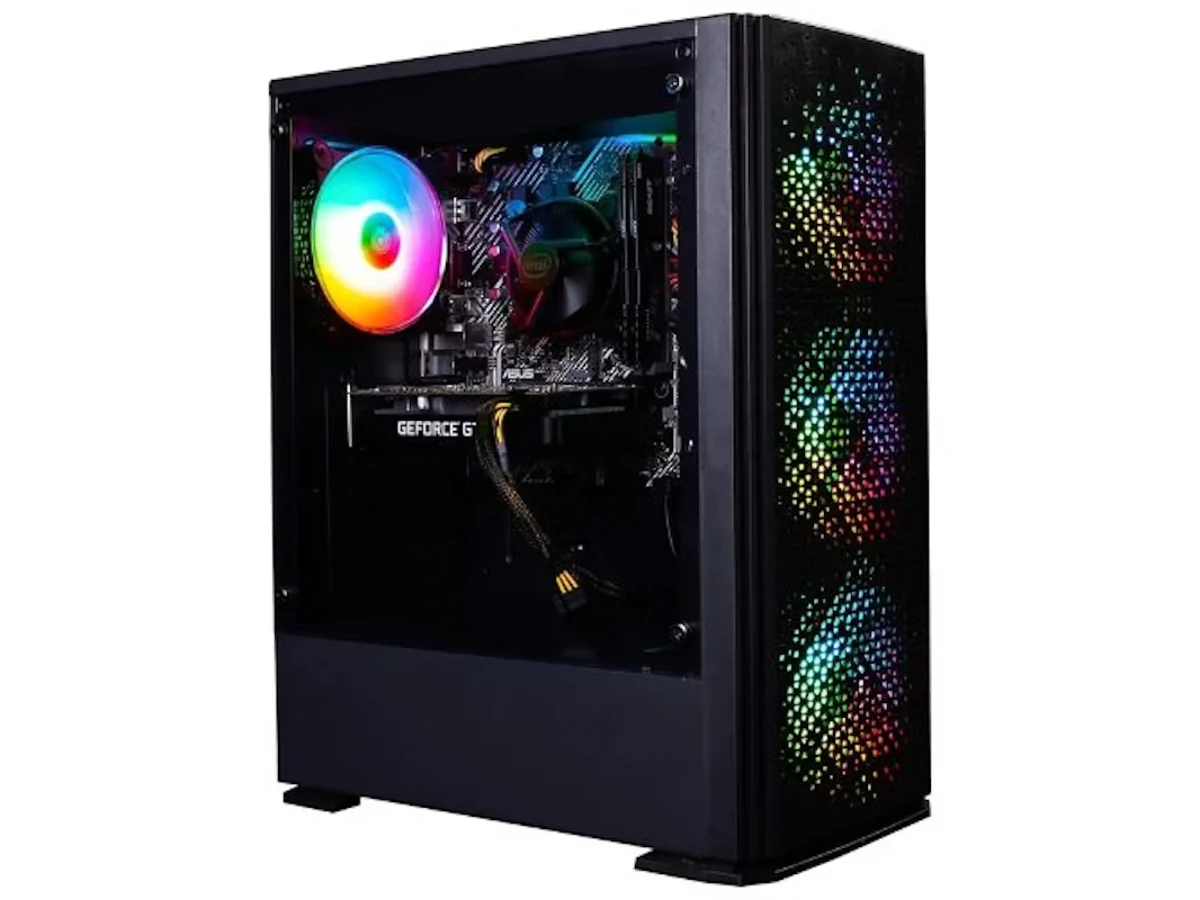
Visit Gaming PC Prices & Builds to compare value prebuilts, custom gaming PCs, and other new-system options.
Choose the kind of help you need
Computer Diagnostics
For crashes, boot failures, overheating, strange behavior, or anytime you want the real answer before paying for repair work.
Fix Your Computer
Broken desktops, hardware failures, startup problems, and repair work for systems that are not working the way they should.
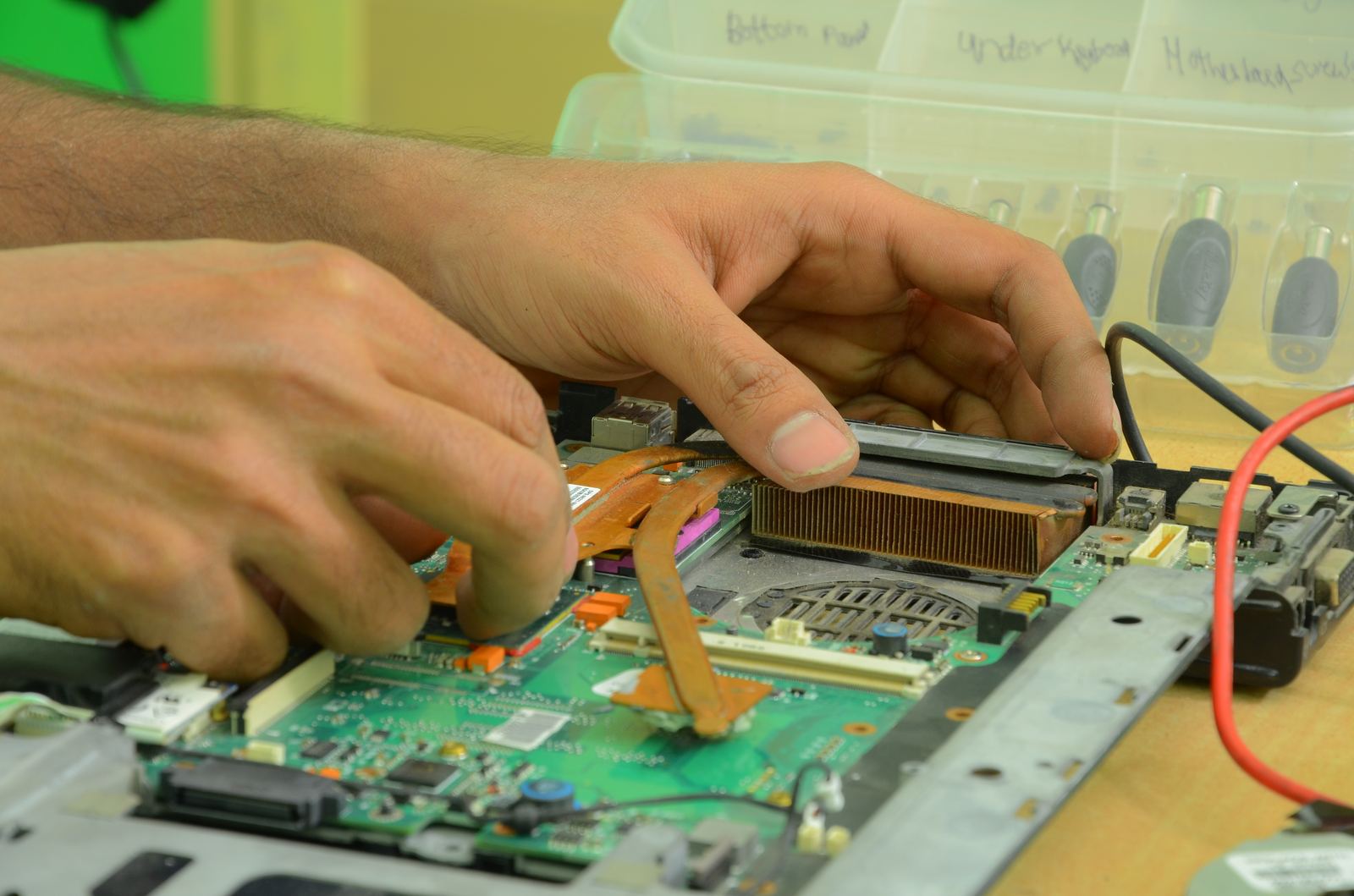
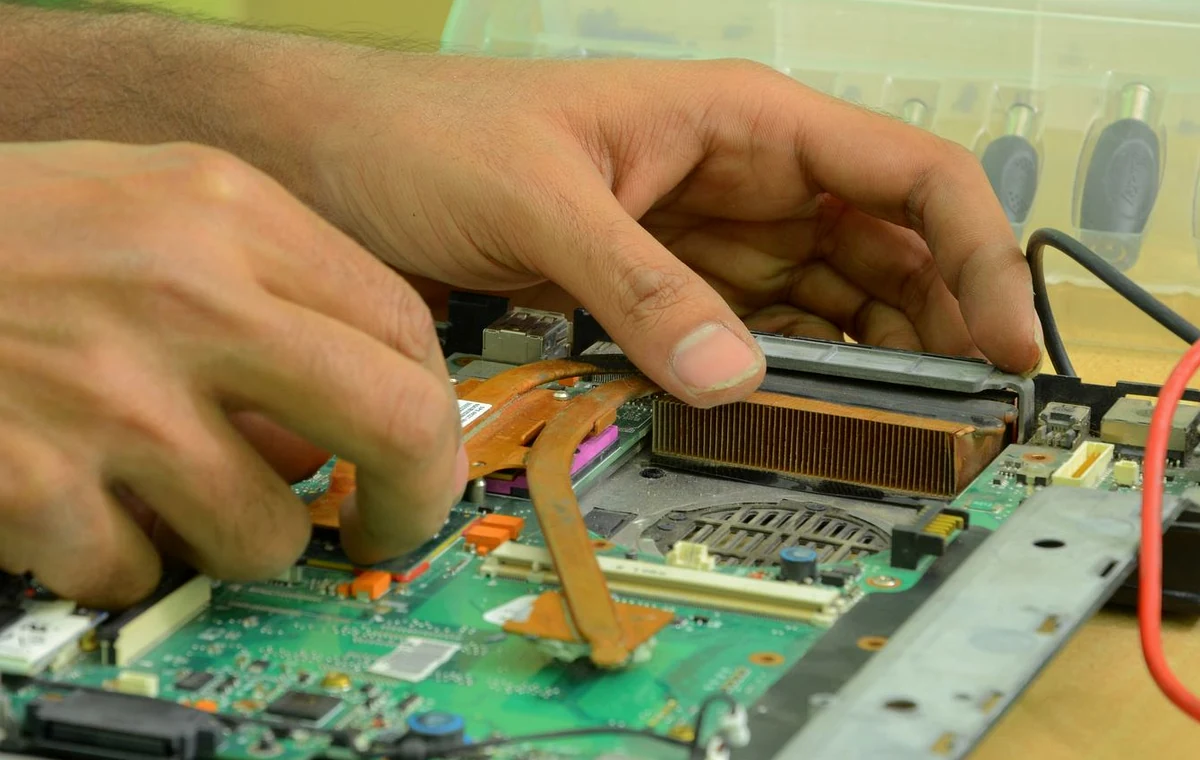
Laptop Repair
Charging issues, overheating, battery problems, hinge damage, and laptop-specific troubleshooting.
Upgrade Your Computer
SSD, RAM, GPU, cooling, and other practical upgrades that can make an older computer feel dramatically better.
Virus & Malware Removal
Cleanup and hardening for suspicious, infected, or heavily pop-up-ridden systems.
Data Backup & Drive Cloning
File transfer, full system cloning, operating system migration, and settings transfer when the data matters as much as the hardware.
Remote Support
Fast help for software problems that do not require hardware repair.
New Computer Setup
Bring in the old computer and the new one and we can move files, install programs, transfer settings, and get everything ready to use.
In-Home & Business Support
On-site help for setup, troubleshooting, Wi-Fi issues, and hardwired internet installation when it is easier for us to come to you.
Common reasons people contact Subtronics
- Computer is slow, freezing, or randomly restarting
- PC turns on but there is no display
- Laptop is running hot or battery is failing
- Need more storage, more RAM, or a faster SSD
- Need a new computer for home, work, or gaming
- Need setup, network help, or hardwired internet installation at home or work
Not sure whether to repair, upgrade, or replace?
That is exactly what diagnostics are for. We can check the computer, explain what is wrong, and tell you whether repair, upgrade, or replacement makes the most sense.
Diagnostic fee: $65. If you move forward with the work, the full $65 goes toward the job. If you decide not to proceed, you only pay the diagnostic fee and nothing more.
What happens next?
- Bring the computer in or contact us with the problem.
- We diagnose the issue and explain the repair or upgrade options.
- You decide whether to move forward.
- If you approve the work, your $65 diagnostic goes toward the job.
Call or text 810-280-2222 and describe the problem in one sentence. We will point you to the right next step.